Abdul haye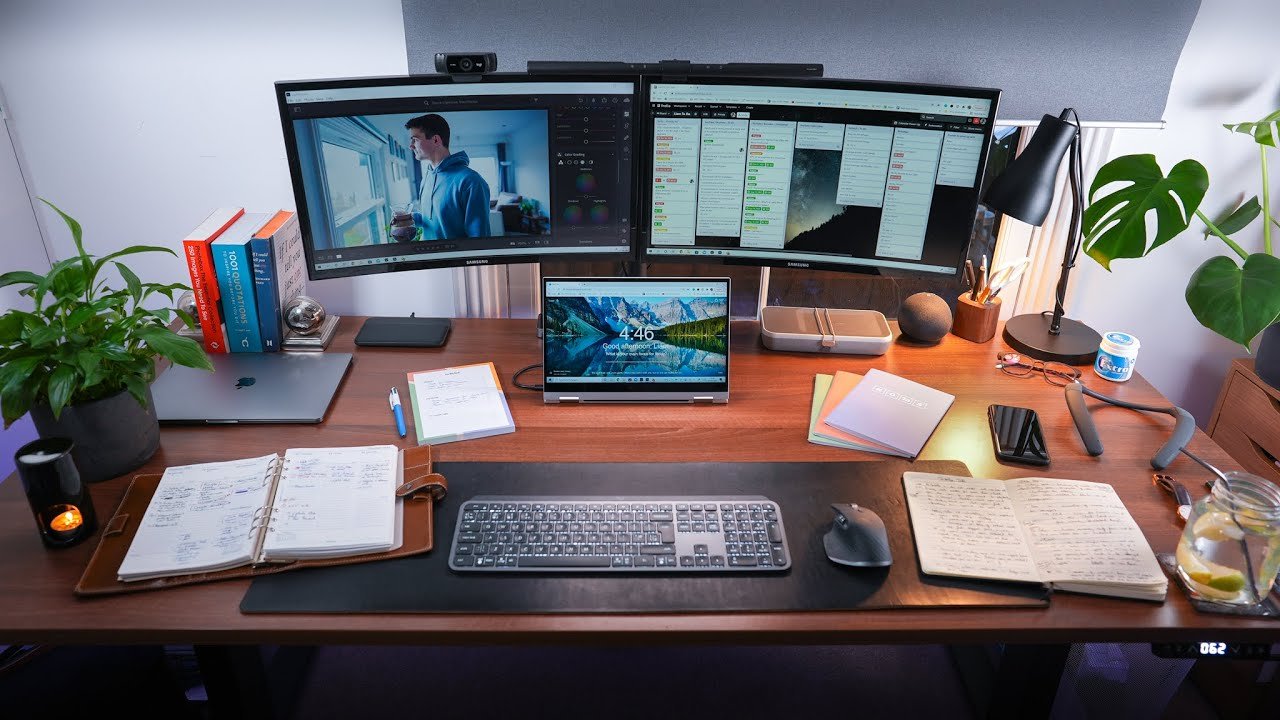
Remote work has rapidly evolved from a niche perk to a mainstream way of working. Whether you’re a freelancer, a corporate employee, or a business owner, having an effective remote work setup is now essential for productivity, comfort, and well-being. In this comprehensive article, we’ll explore what constitutes a great remote work setup, offer practical tips for optimizing your space, and discuss the tools, ergonomics, and habits that make remote work not just possible, but enjoyable and sustainable.
Why a Proper Remote Work Setup Matters
The workspace you create at home directly affects your output, focus, and even your physical health. An intentional remote work setup helps you:
- Reduce distractions
- Maintain good posture and physical health
- Improve work-life balance
- Foster creativity and motivation
- Communicate and collaborate effectively
Investing time and resources into your setup pays off in increased efficiency and job satisfaction.
Choosing the Right Location
Begin by selecting a dedicated work area. Ideally, this should be a quiet, well-lit space with minimal foot traffic. If a separate room isn’t available, carve out a corner or nook that you can associate exclusively with work. Avoid working from your bed or sofa, as this can blur boundaries between work and relaxation.
Essential Furniture and Equipment
-
Desk: A sturdy, spacious desk is the foundation of your setup. Choose one that’s wide enough for your computer, accessories, and any paperwork you need.
-
Chair: Invest in an ergonomic chair that supports your back, encourages good posture, and is adjustable for height. If an office chair isn’t possible, use cushions or supports to improve comfort.
-
Monitor(s): External monitors improve posture, reduce eye strain, and boost productivity, especially for tasks that require multitasking or large spreadsheets.
-
Keyboard and Mouse: An external keyboard and mouse, positioned at elbow height, help prevent repetitive strain injuries.
-
Laptop Stand or Monitor Riser: Elevate your screen to eye level to avoid neck and shoulder strain.
-
Good Lighting: Natural light is ideal, but adjustable desk lamps with warm white bulbs can reduce eye fatigue in low-light conditions.
-
Headphones or Headset: Noise-cancelling headphones are invaluable for focus and virtual meetings.
-
Webcam and Microphone: Clear video and audio are crucial for remote communication.
Optimizing Ergonomics for Health
- Screen Height: Top of the monitor at or just below eye level
- Distance: Screen an arm’s length away
- Chair Height: Feet flat on the floor, knees at a right angle
- Keyboard/Mouse Position: Wrists straight, elbows at sides
- Breaks: Follow the 20-20-20 rule (every 20 minutes, look at something 20 feet away for 20 seconds)
- Movement: Stand, stretch, or walk every hour to prevent stiffness
Connectivity and Technology
-
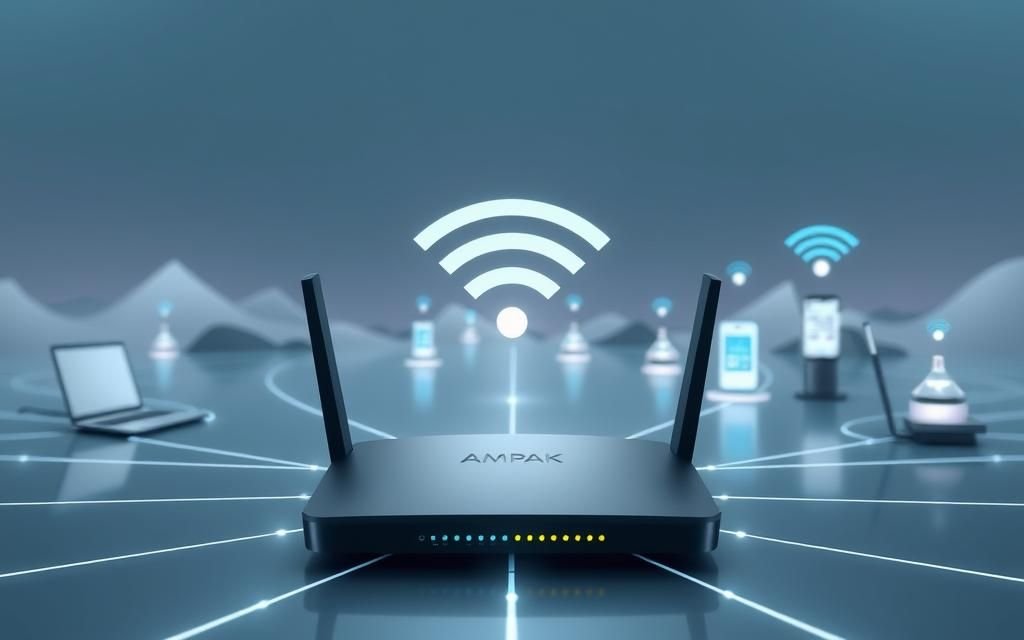
Reliable Internet: Invest in a high-speed internet plan and a quality router. Consider a wired connection for stability, especially if you attend frequent video calls.
-
Backup Solutions: Power strips with surge protection, an uninterruptible power supply (UPS), and cloud storage services like Google Drive or Dropbox protect your data and workflow.
-
Collaboration Tools: Familiarize yourself with remote work platforms like Slack, Zoom, Microsoft Teams, Asana, or Trello for communication and project management.
-
Security: Use strong passwords, enable two-factor authentication, and consider a VPN for sensitive work.
Managing Distractions and Maintaining Focus
- Set Boundaries: Let family and housemates know your work hours. Use a sign or signal to indicate when you’re busy.
- Minimize Clutter: Keep only essential items on your desk. Use organizers or drawers for supplies.
- Sound Control: Use white noise machines, background music, or headphones to drown out distractions.
- Time Management: Use digital calendars, task lists, and productivity timers (Pomodoro technique) to structure your day.
Personalizing and Inspiring Your Workspace
Make your remote work area inviting and motivating:
- Add plants for air quality and vibrancy
- Decorate with art or photos
- Use color schemes that promote calm and focus
- Display motivational quotes or a vision board
Personal touches can boost your mood and productivity, making work more enjoyable.
Work-Life Balance and Mental Health
Working remotely can blur the lines between personal and professional life. To maintain balance:
- Set consistent start and end times for work
- Take proper lunch and screen breaks
- Have a shutdown ritual (e.g., closing your laptop, turning off work notifications)
- Designate non-work spaces for relaxation
- Stay connected with friends and colleagues outside of work discussions
Tips for Remote Team Collaboration
- Regular Check-Ins: Schedule daily or weekly video meetings to maintain team cohesion.
- Clear Communication: Use written updates, shared documents, and clear agendas for meetings.
- Document Everything: Keep track of decisions and processes in accessible files.
- Embrace Asynchronous Work: Allow team members to work when they’re most productive, using shared tools to stay aligned.
Adapting Over Time
Your needs and work style may change. Regularly reassess your setup and make adjustments as needed. Solicit feedback from peers, and stay open to new technologies or methods that can improve your workflow.
Budget-Friendly Remote Work Setup Ideas
- Repurpose tables or dining chairs with added cushions
- Use boxes or books to raise monitors
- Purchase second-hand or refurbished equipment
- Make DIY cable organizers with clips or twist ties
- Explore free or low-cost software for collaboration and productivity
Environmental Considerations
- Use energy-efficient lighting and devices
- Unplug electronics when not in use
- Choose sustainable or recycled office supplies
- Incorporate plants for cleaner air
Conclusion
A well-thought-out remote work setup is key to thriving in the modern workplace. By prioritizing ergonomics, technology, boundaries, and personal comfort, you can create a home office that fuels productivity and protects your health. Whether you’re just starting out or refining an existing space, these fundamentals will help you work smarter, stay balanced, and enjoy the benefits of remote work for years to come.