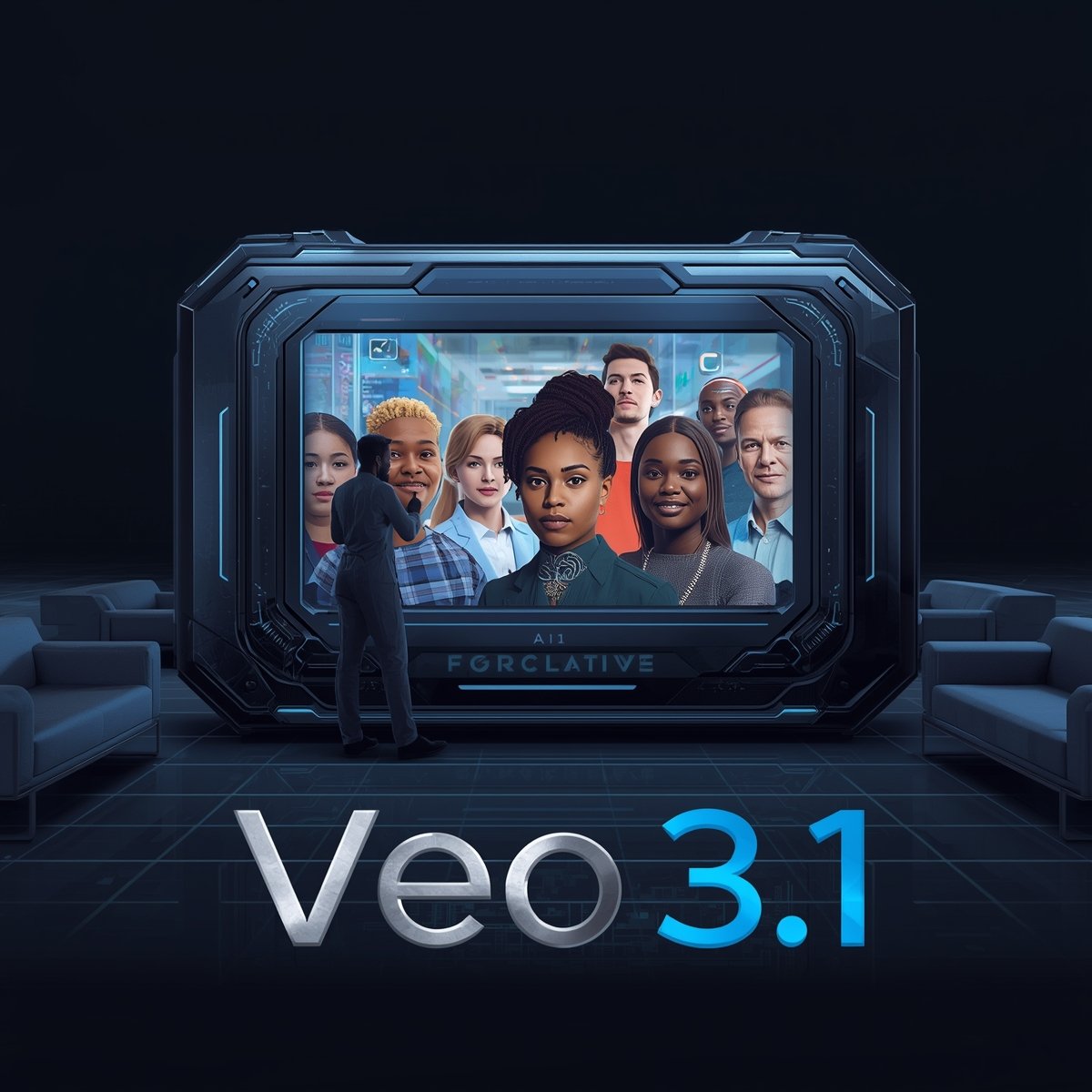
In the rapidly advancing world of AI, models that generate images, audio, and text are now being joined by video generation systems. One of the most exciting developments in this space is Veo 3.1, the latest version of Google’s Veo line of video generation models. Building on its predecessors, Veo 3.1 brings significant enhancements in realism, audio, narrative control, and creative flexibility.
This article explores what Veo 3.1 is, how it differs from Veo 3, its core features, practical applications, technical challenges, ethical considerations, and the future it promises.
1. What Is Veo? Background and Evolution
To understand Veo 3.1, it helps to know where the Veo family comes from.
-
Veo (text-to-video model) is a generative AI model developed by Google DeepMind that converts user prompts (text or images) into video sequences.
-
Veo 3, released in 2025, not only generates visuals but also synchronized audio — including dialogue, ambient sounds, and effects — making videos more polished and compelling.
-
Alongside Veo 3, Google launched Flow — a creative filmmaking tool built on top of Veo and associated models — allowing users to edit, sequence, and refine AI-generated video clips.
Veo 3.1 is the next major iteration, bringing into focus higher fidelity, more creative control, and better consistency across scenes.
2. What’s New in Veo 3.1
Veo 3.1 introduces multiple upgrades over Veo 3 to make video generation more realistic, controllable, and expressive.
2.1 Enhanced Audio & Native Sound
One of the key improvements is richer native audio capabilities. Veo 3.1 can generate more natural speech, ambient sounds, and synchronized audio that matches video action more closely. This addresses a limitation in earlier versions, where audio could lag or feel detached.
2.2 Stronger Prompt Adherence & Narrative Control
Veo 3.1 gives creators more control over how the video unfolds. Prompt adherence is improved, meaning the model better follows instructions for scenes, composition, and transitions. It also offers narrative-level features: users can specify sequences (beginning, middle, end) and direct transitions between shots more precisely.
2.3 Better Realism, Texture, and Continuity
Visual realism is enhanced with more detailed textures, consistent character appearance across frames, and smoother motion. Earlier versions sometimes had visual inconsistencies (e.g. changing facial features or lighting). Veo 3.1 curtails that by maintaining continuity across scenes.
2.4 Longer and More Complex Videos
While earlier versions of Veo 3 produced relatively short clips (e.g. 8 seconds) Veo 3.1 pushes boundaries by enabling longer video durations, more complex multi-scene storytelling, and multi-prompt generation (i.e. using different prompts for each shot).
2.5 Image-to-Video & Frames-to-Video Support
Veo 3.1 improves support for image-to-video or frames-to-video generation, where users supply images (start/end frames or reference images) and the model fills in the motion in between. Audio support is extended to those modes as well.
2.6 Availability & Integration
Veo 3.1 is being rolled out via Google’s Gemini API, Vertex AI, and within the Flow tool. Developers and enterprise users can access it via paid preview. Some features are still experimental in Flow and may roll out gradually.
3. How Veo 3.1 Works: Behind the Scenes (Simplified)
Though the full architecture is proprietary, here’s a simplified breakdown of how Veo 3.1 likely operates:
-
Prompt Input
Users submit a combination of text descriptions, reference images, or start/end frames. They may also include instructions about audio, scene style, camera movement, characters, etc. -
Scene Planning & Storyboard Stage
The model maps out a rough storyboard — deciding on shot transitions, scene structure, and camera angles. -
Frame Generation & Interpolation
Individual frames (or small frame batches) are generated, then interpolated to ensure smooth motion. Continuity constraints help maintain consistent lighting, character form, and motion flow. -
Audio Synthesis & Lip Sync
In parallel or integrated, Veo 3.1 generates synchronized audio — including dialogues, ambient sound, and effects — and aligns it with lip movements or scene timing. -
Refinement & Polishing
The system applies visual enhancements (textures, lighting), noise reduction, motion smoothing, and temporal consistency adjustments. -
Post-Processing Options
Users may receive editing hooks (via Flow or APIs) to trim, replace, or refine generated segments.
Because large video generation is computationally expensive, optimizations, caching, and specialized architecture (e.g. diffusion models, video transformers) are likely in use.
4. Use Cases & Applications
Veo 3.1’s improvements open up a variety of compelling applications across different domains:
4.1 Content Creators & Filmmakers
Independent creators can generate cinematic scenes, story teasers, or animated backdrops without a full film crew. With narrative control and visual fidelity, short films, promos, or social content become more accessible.
4.2 Advertising & Marketing
Brands can use Veo 3.1 to rapidly prototype ad visuals, create product reveals, or design short video campaigns. The improved realism and audio help produce glance-worthy content. Integration with APIs allows dynamic content generation at scale.
4.3 E-Learning & Educational Media
Explainer videos, animated concepts, visual storytelling — educators can convert lessons or scripts into visually engaging videos, with narration and supporting visuals.
4.4 Gaming and Virtual Worlds
Concept trailers, cutscenes, character showcases, or environmental transitions can be generated automatically. Veo 3.1’s continuity helps maintain visual consistency across shots.
4.5 Social Media & Short-form Content
With multi-shot support and longer video capability, users can imagine more complex content (e.g. 30–60 seconds) for TikTok, Instagram Reels, or YouTube Shorts, all within an AI-driven workflow.
4.6 Prototyping & Storyboarding Tools
Teams in pre-production can quickly visualize scenes, block shots, and test story flows before full production.
5. Strengths & Advantages
Here’s what Veo 3.1 does well:
-
Better audio-visual sync — audio and video are more tightly integrated, enabling scenes with actual speech, effects, ambient noise, etc.
-
Improved narrative control — creators have more command over scene-to-scene flow and transitions.
-
Higher visual continuity — characters and scenes remain stable over multiple frames, reducing “jumps” or inconsistencies.
-
Flexibility in input types — supports both text and image prompts, and can use starting and ending frames.
-
Scalable access — made available to developers, enterprises, and creators via APIs and tools like Flow.
These strengths push AI video generation closer to practical creative use instead of niche experiments.
6. Challenges, Limitations & Risks
Even with its advances, Veo 3.1 faces important constraints and ethical concerns:
6.1 Computational Cost & Speed
Generating high-fidelity video with synced audio is computationally intense. Rendering longer or complex scenes may still be slow or expensive, especially under heavy usage.
6.2 Prompt Precision & Unexpected Outputs
While prompt adherence is improved, Veo 3.1 can still misinterpret or “creatively deviate” from instructions. Camera angles, spatial descriptions, or multi-character interactions may not always align with expectations.
6.3 Audio Glitches / Imperfect Lip Sync
Although audio is stronger, synchronization errors, unnatural voices, or dropped dialogue still surface. Lip-sync might work well in simple scenes but falter in complex ones.
6.4 Scene Complexity & Scaling
Very detailed multi-character scenes or rapid cuts can break continuity or induce artifacts. Maintaining coherence across many shots is nontrivial.
6.5 Ethical & Copyright Issues
-
Deepfakes & misuse: Generating realistic videos raises the risk of impersonation or misinformation.
-
Ownership & rights: It may be unclear who owns generated content or which training data influenced the output.
-
Identity, bias & representation: Training data biases might reflect in the generated videos, causing stereotypical or unfair representations.
6.6 Accessibility & Feature Rollout
Not all features are immediately available in all tools (e.g., Flow) — some promise insert/remove object features are still being rolled out.
7. Veo 3.1 vs Veo 3 and Other Competitors
Veo 3.1 vs Veo 3
-
Audio & narrative control: Veo 3.1 strengthens audio realism and gives more scene-level control compared to Veo 3.
-
Longer output & multi-prompt: Veo 3 was often limited to short clips; 3.1 expands duration and supports segmented prompts.
-
Better continuity: 3.1 reduces visual inconsistencies more effectively than 3.
Comparison with Other AI Video Models (e.g. Sora 2)
-
Focus & target: Veo is seen as a serious competitor to OpenAI’s Sora 2 — both focusing on higher-end, creative video generation.
-
Strengths: Veo 3.1’s improvements in realism, audio, and narrative control may give it an edge in cinematic quality.
-
Trade-offs: Different models will excel in different domains (speed, cost, niche styles, domain-specific training).
8. Tips for Using Veo 3.1 Well
Here are some best practices to get the most out of Veo 3.1:
-
Start simple: Use fewer elements, less camera motion, and one main subject to test audio-visual harmony.
-
Break down your prompt: Use segmented prompts or per-shot descriptions to guide transitions.
-
Use reference images: Input start and end frames or style references for better consistency.
-
Refine in Flow: After generation, use Flow (or APIs) to trim, fine-tune, or adjust scenes.
-
Test iterations: Generate multiple versions and choose the best; AI models often benefit from trial runs.
-
Mind audio cues: Explicitly specify what kind of audio — background, dialogue, effects — if you need more control.
-
Watch transitions and continuity: Pay attention to character appearance, lighting shifts, and jump cuts.
9. Real-World Feedback & Early Reviews
-
Reviewers highlight that Veo 3 raises the bar by combining visuals and audio in remarkably cohesive clips.
-
Some critiques mention prompt interpretation issues, occasional audio glitches, and challenges in complex scenes.
-
Users on forums note that some features (like insert/remove object) are partially available; some are still being added.
Overall, Veo 3.1 is receiving positive feedback for pushing many of the boundaries that earlier models struggled with.
10. The Future: What Veo 3.1 Could Lead To
Veo 3.1 is more than just an incremental upgrade — it points toward what video generation might become:
-
Generalist video models: As models mature, they may become foundation models for vision, combining video, image, and spatial understanding. In fact, recent research suggests Veo 3 already exhibits zero-shot reasoning across visual tasks.
-
Interactive, real-time video generation: Where creators can tweak scenes dynamically during playback.
-
Custom voices, actors, environments: Users may one day plug in their own voices, characters, or 3D models and have Veo animate them.
-
Cinematic AI assistants: Tools that help directors and creatives plan and visualize scenes automatically.
-
Ethical safeguards & watermarking: As realism increases, built-in protections (audio/watermarks, provenance metadata) will be crucial.
-
Democratized video production: With powerful AI, more creators without budgets for crews may produce high-quality videos — reshaping media, storytelling, advertising, education, and entertainment.
Conclusion
Veo 3.1 is a landmark step forward in generative AI video. It takes the foundation laid by Veo 3 and builds upon it with deeper narrative control, improved audio-visual sync, better continuity, and more flexibility for creators. While some technical and ethical challenges remain, the capabilities it offers are already redefining what’s possible in video content creation.
For content creators, marketers, educators, and storytellers alike, Veo 3.1 represents a tool that can accelerate ideation, lower production barriers, and unlock imaginative new formats. As the model and infrastructure evolve, we may soon look back and see Veo 3.1 as one of the turning points in the age of AI-generated video.